Local scanning
Analysis happens entirely on your Mac.
SpaceScope helps you understand your Mac storage and safely clear files you no longer need.
One-time payment. Lifetime access. macOS 13 or later.
Free for macOS
Download SpaceScope for macOS and see what is taking up space on your Mac.
Universal download for Apple Silicon and Intel Macs. macOS 12 or later.
Private by design
SpaceScope scans directly on your Mac. File names, contents, and storage details never need to leave your computer.
Analysis happens entirely on your Mac.
Nothing is selected or removed behind your back.
Approved files move to macOS Trash for recovery.
A calmer cleanup
No cleanup scores. No scare tactics. Just useful information and deliberate choices.
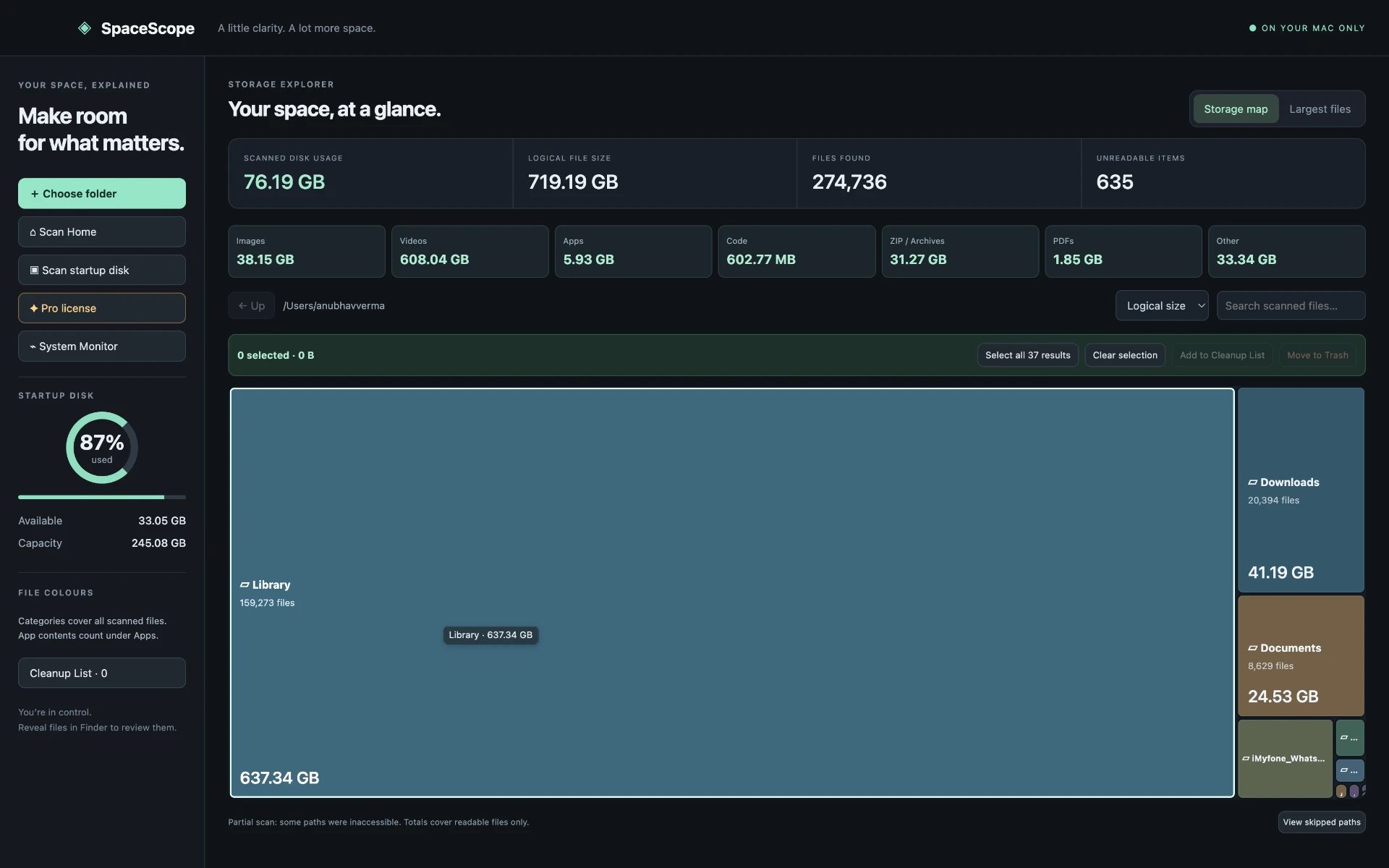
Choose a drive or folder. SpaceScope builds a clear picture locally.
A visual storage map makes large folders and files easy to spot.
Inspect every selection and reveal anything in Finder before acting.
You decide what goes. Items move to macOS Trash, never vanish silently.
Simple, honest pricing
One purchase unlocks every SpaceScope Pro feature for life.
SpaceScope Pro
One-time payment · Lifetime license
Common questions